Portfolio Project 1
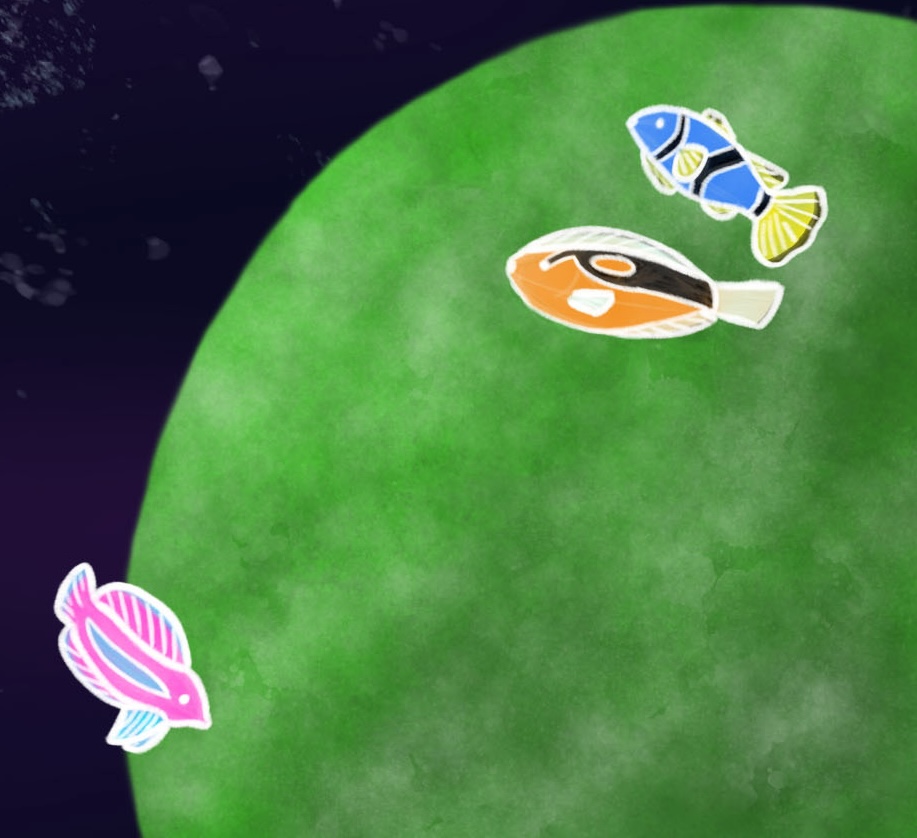
Photoshop Painting
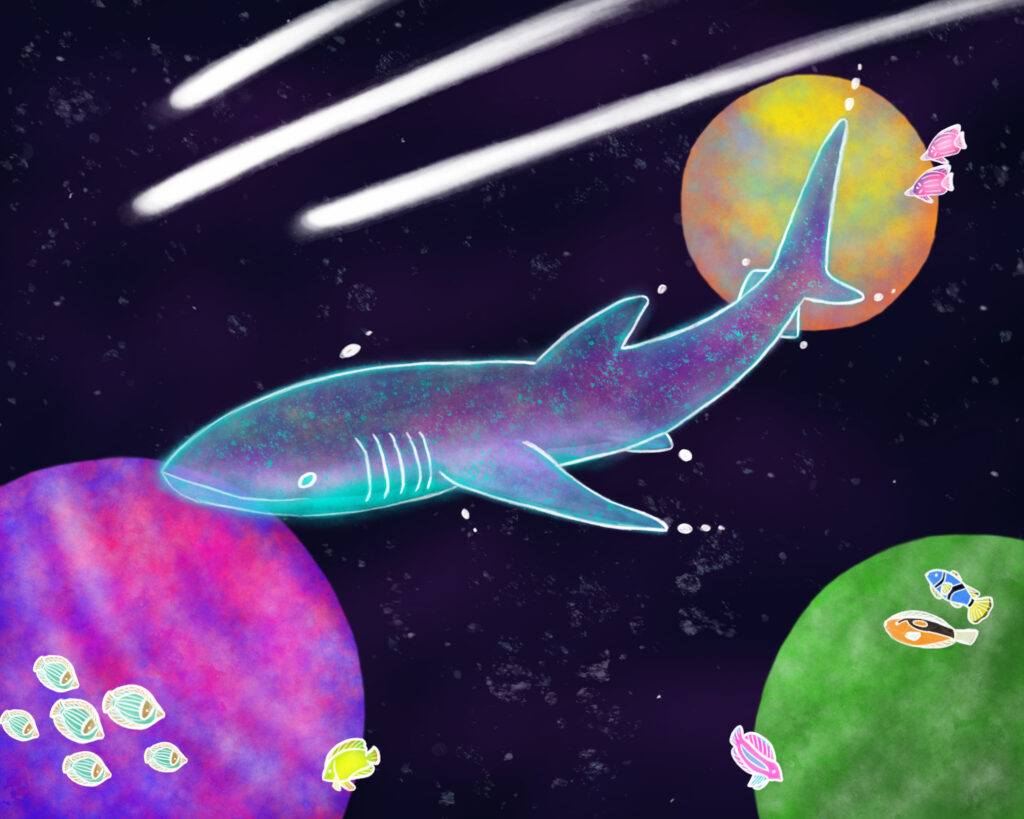
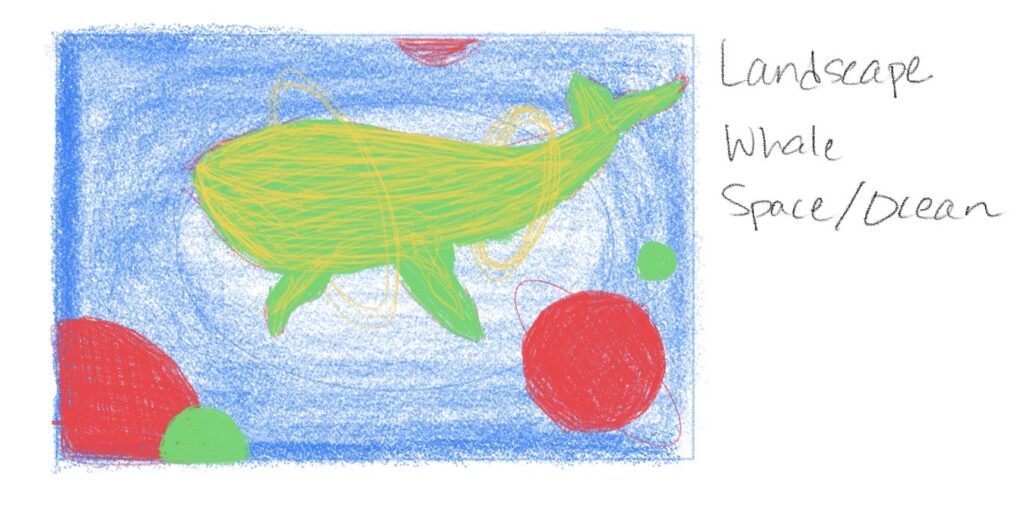
This was my Digital Painting project that I made in Adobe Photoshop. I started with simple quick sketches in my notebook app before I settled with a specific topic of Ocean, Whale, and Space.
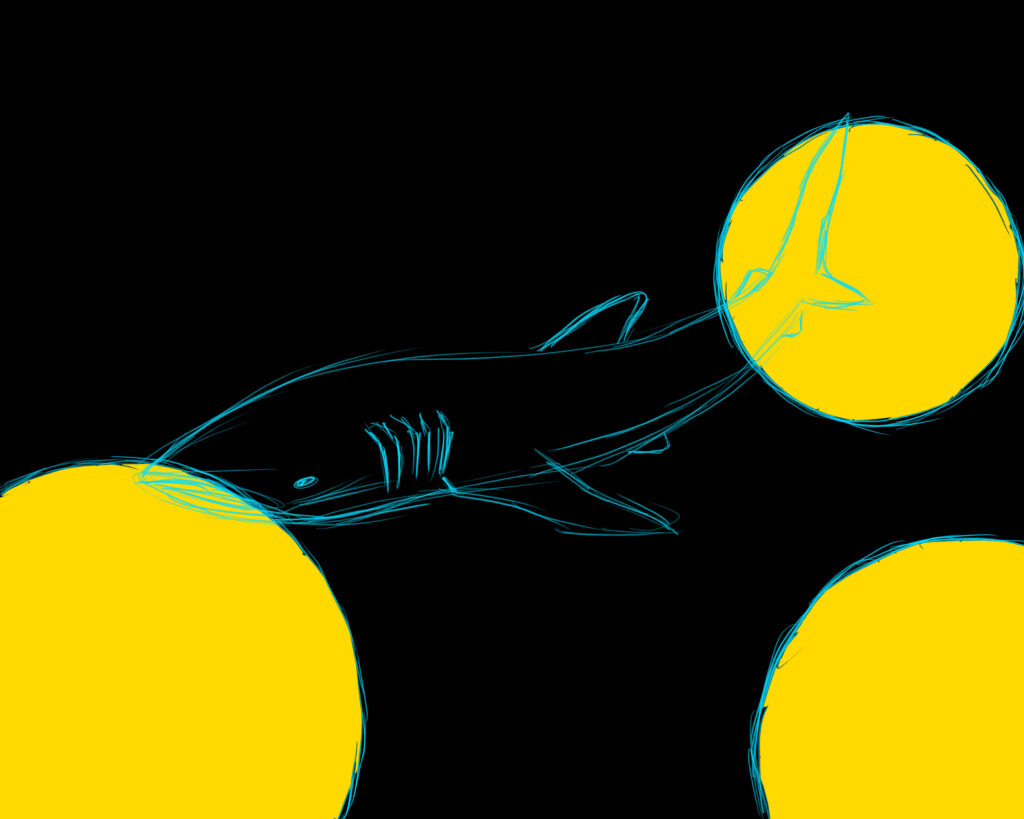
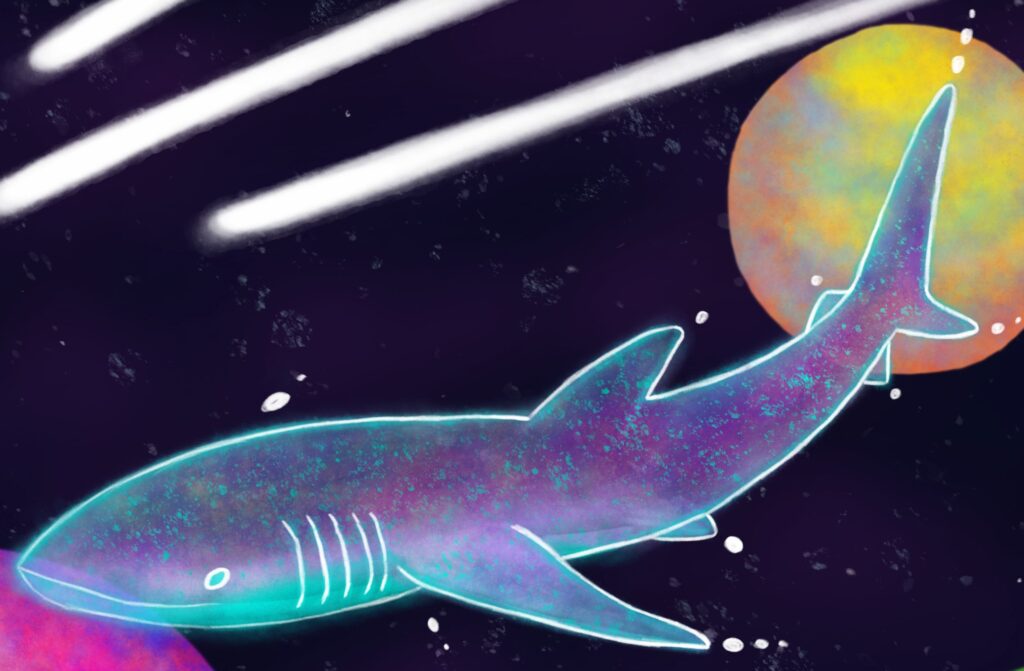
In the original sketch, I thought of using a regular humpback or blue whale with solar rings around its body. I later settled with a whale shark as my main center piece. I used pictures from my trip to the Philippines as reference for my whale shark.
Adobe Photoshop had a lot of brushes available to me and I wasn’t too familiar with using them as I was used to most of the brushes in Procreate. To make the stars in space, I would’ve used the glimmer brush in Procreate, but I was limited to using the flicking spray paint brush in Photoshop. I also had to get used to using more layers, as well as learning how to mask layers and changing layer settings.
I created the space background first, inspired by the spraypainted space backdrop I made for a school project. Usually my space paintings are limited to 3 different planets, at least one of them with a ring or more. I wanted to keep the planets simple to not drag too much attention away from the whale shark. Also, I felt like the whale shark didn’t need rings around its body. The whale shark already had its natural spots, but I decided to add white orbs to make it seem more space-like.
After creating the background and whale, I proceeded to add smaller details to fill in the empty space. I created small pods of fish and added comet streaks. I looked up different kinds of tropical fish to make every fish stand out in this space reef.
Portfolio Project 2
Short Commercial
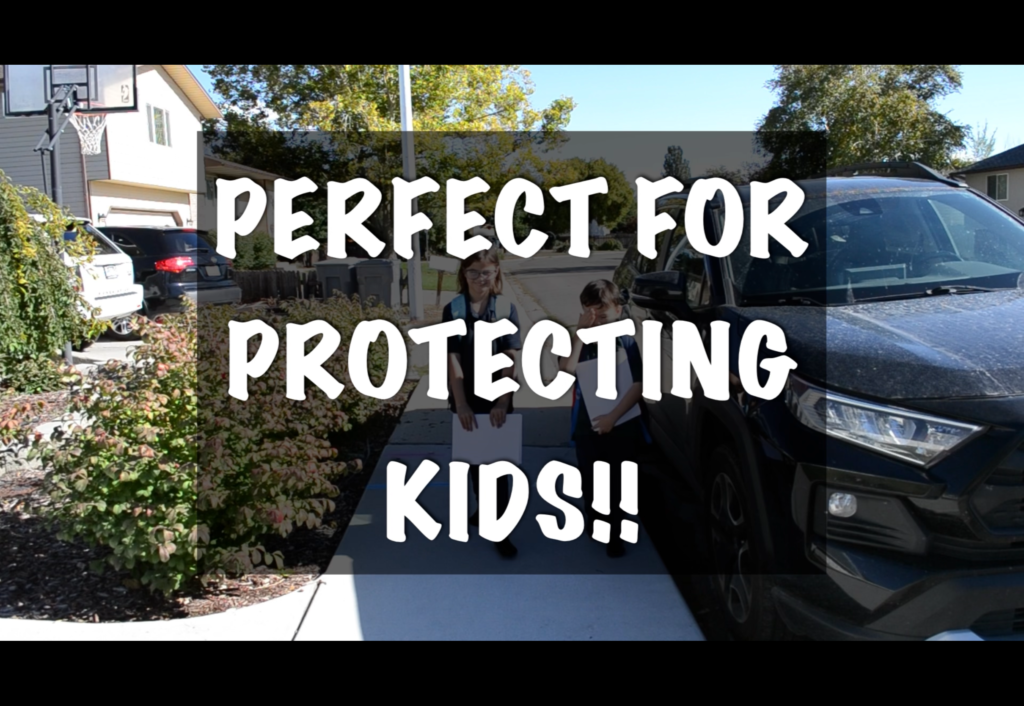
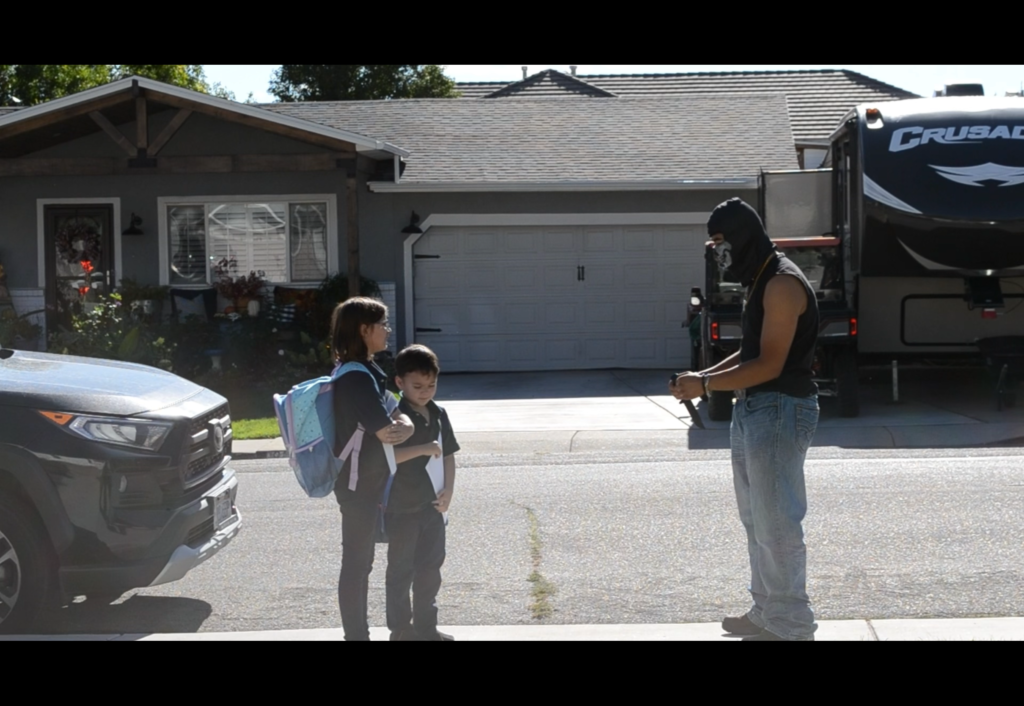
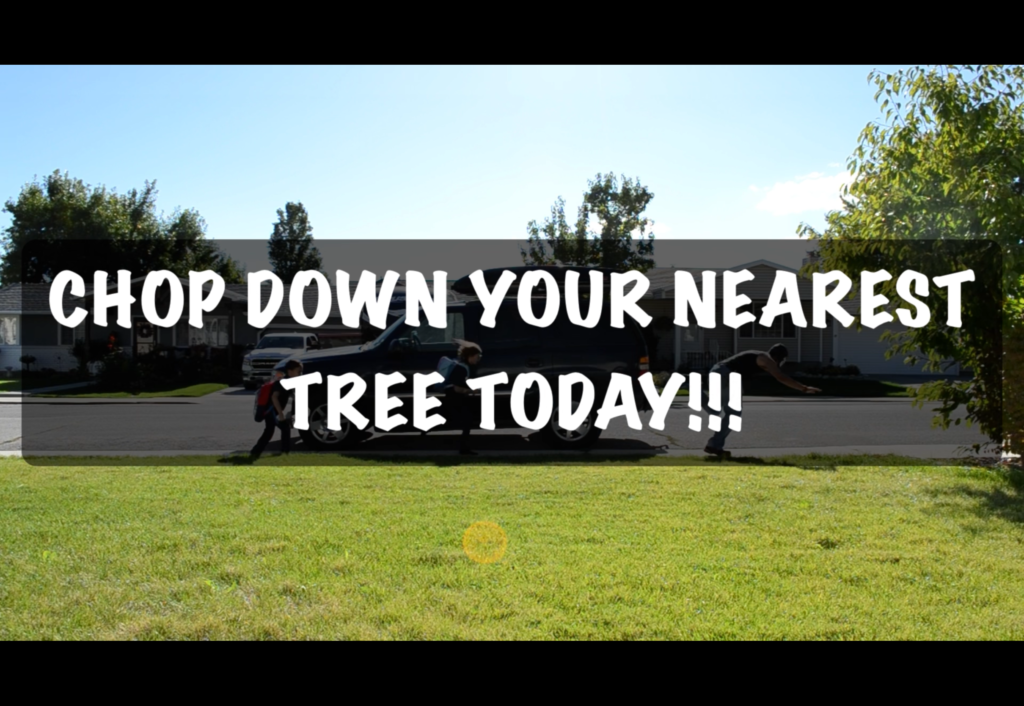
This was my short commercial video project for paper. I was aiming for a silly ad to make a joke rather than sell the product. I struggled to come up with an idea for a product to present. Especially since I was surrounded by paper and origami. So, I ended up making an ad about paper.
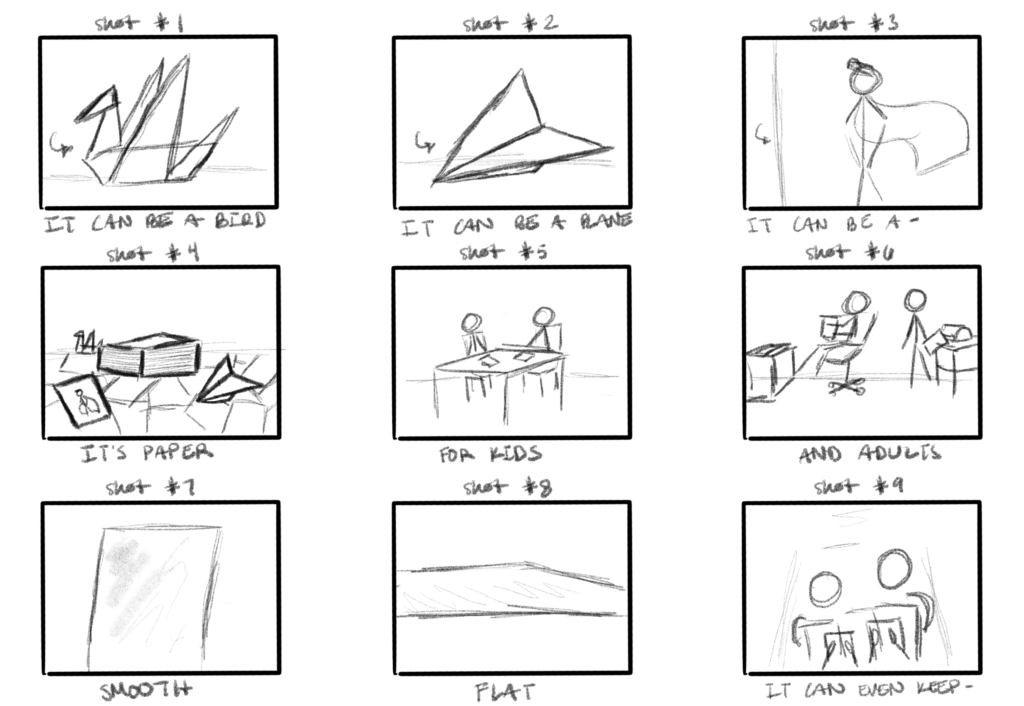
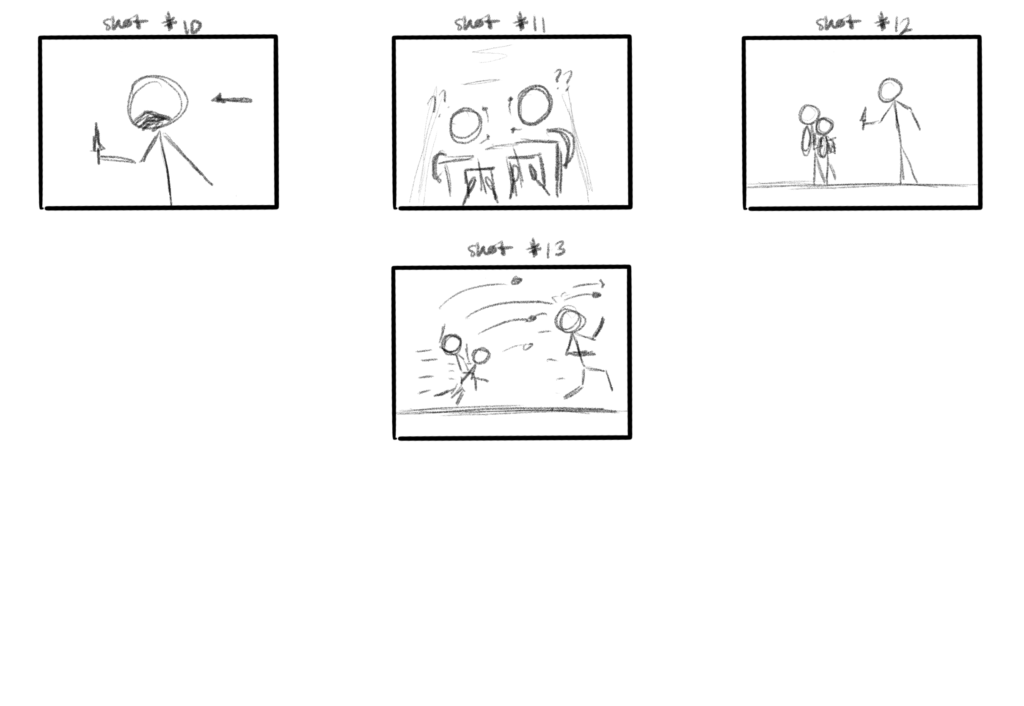
In my storyboard art, I wanted to present the paper itself, almost like a car or phone commercial that points out the paper’s design; such as pointy corners, smooth and flat surface, and what it can become. Because the project assignment had to be set for a certain amount of time, I had to cut out parts of the storyboard and clips in order to meet the requirements.
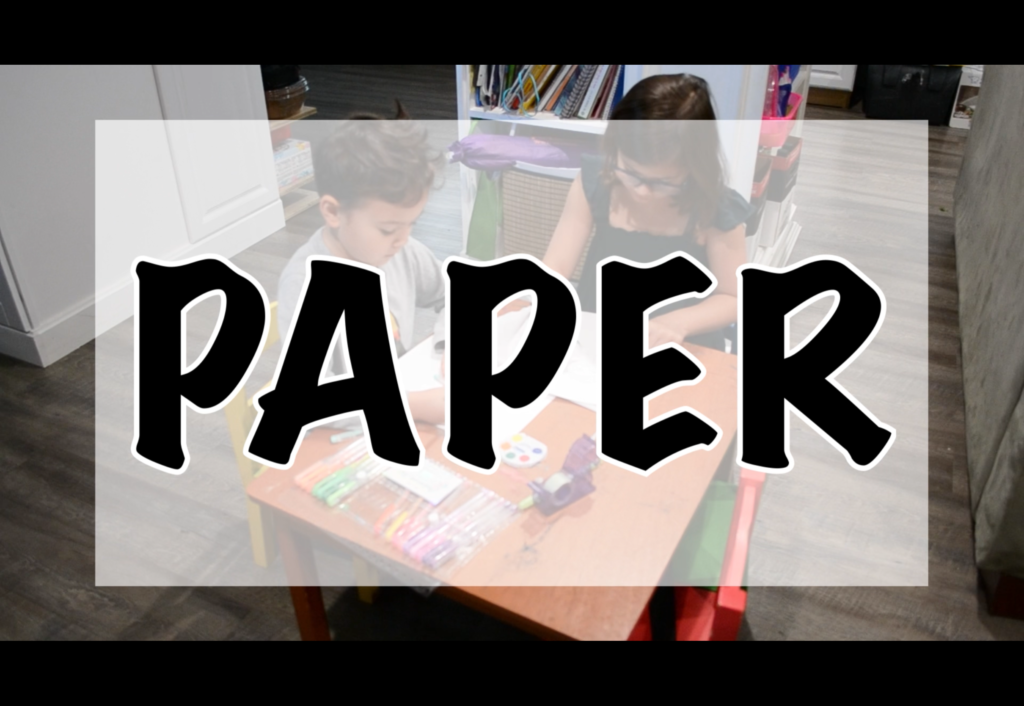
Filming was the biggest challenge that I had with the project. Not only did I need to schedule a time to film with my chosen actors; I had to figure out weather, camera angles, and sound. Because my main actors were little kids, it was hard to get them to cooperate and perform the actions I was looking for. I even had to reshoot some shots because of cars passing by or one of the actors not cooperating. Being a director and camera operator was a lot harder than what I imagined.
After getting the shots that I needed, I started making my first edits on Adobe Premiere. It was my first time using this app and it was in perfect timing too because Adobe Premiere was available on the computer only before becoming an app. Editing the video, getting clips to connect like a puzzle was the most fun I had with the project. Constructing it together to make a masterpiece was fun, and it turned out really well in the final presentation. I was glad that my classmates enjoyed the video with proper audio and video quality.
Storyboards
Final Shots
Portfolio Project 3
Portfolio Project 4